outreach
Your Python Outreach Scripts Are Costing You More Than You Think
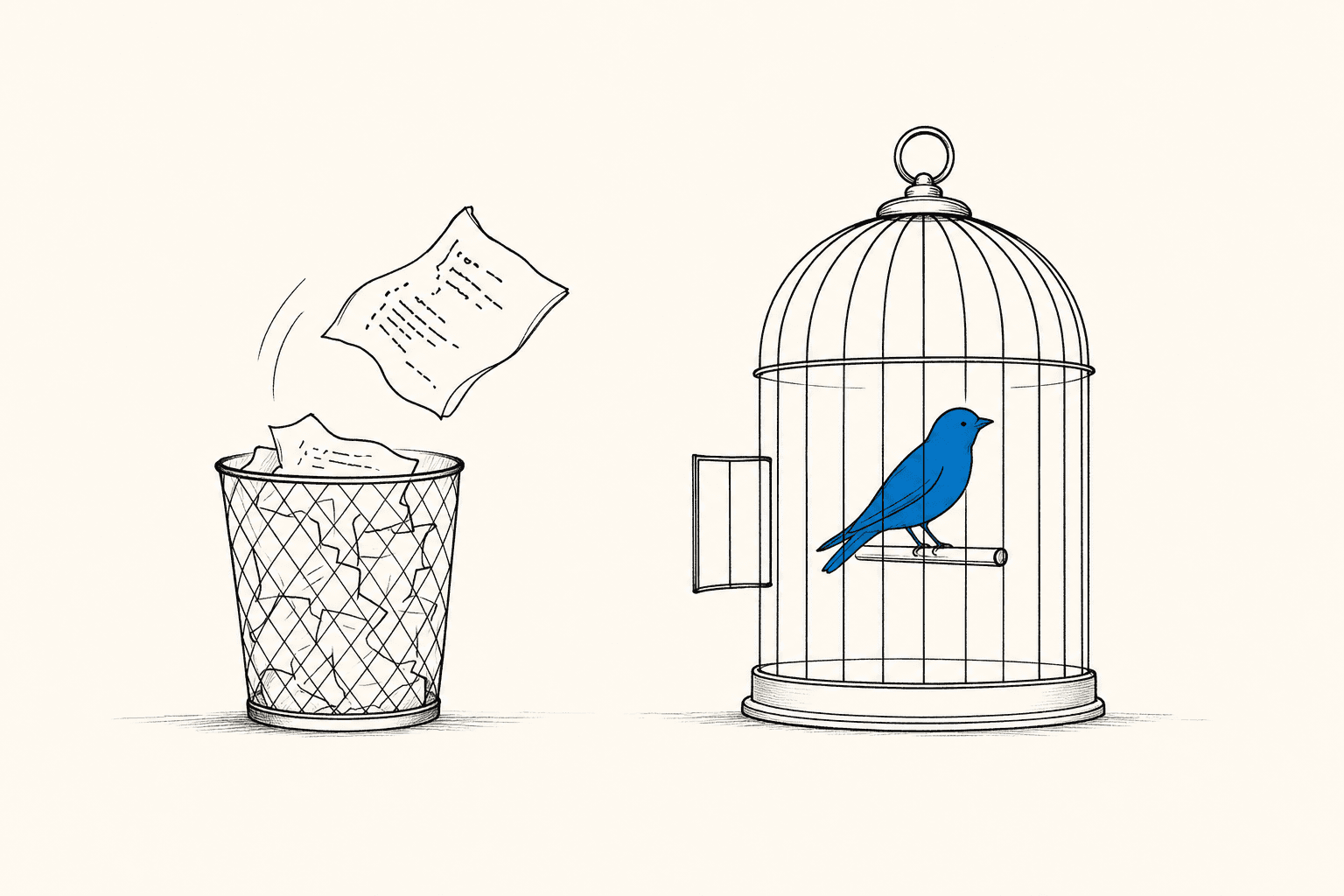
Custom Python scripts for Telegram outreach break constantly, eat dev hours, and scale poorly. Here's what switching to a dedicated Telegram CRM actually looks like.
Your lead scraper worked perfectly last Tuesday. Today it's returning nothing — and your developer is three time zones away. Meanwhile, your competitor sent 400 follow-ups while you were debugging an SSL handshake error.
This is the real cost of running Telegram outreach on custom Python scripts. Not just dev hours — momentum. And that's what a purpose-built Telegram CRM is designed to protect.
Why Do Python Outreach Scripts Keep Breaking?
Telegram updates its internal APIs frequently — roughly every 4-8 weeks in active development periods. Every update is a potential breakpoint for a custom script that calls undocumented endpoints, relies on hardcoded session logic, or uses community libraries like Telethon or Pyrogram on older pinned versions. Most DIY scripts aren't maintained fast enough to keep up, which means your outreach pipeline goes dark every few weeks, not just once.
The pattern is always the same: build → works for 3 months → something breaks → dev sprint to patch → repeat. That cycle costs more in lost pipeline than most teams realize.
What Are the Real Operational Costs of DIY Scripts?
Beyond the obvious maintenance burden, custom scripts carry a set of hidden costs that compound over time:
No built-in safety logic. Scripts don't know when to slow down. They don't track message frequency per account, cool-down periods, or report thresholds. One over-eager loop and your Telegram account is flagged. Account safety features built into dedicated CRMs exist precisely because this failure mode is so common.
Zero CRM context. Your script sends a message, but it doesn't know that this lead was already contacted twice, moved to a "negotiation" stage, or replied yesterday. Every outreach decision lives outside the script — usually in a spreadsheet nobody updates consistently.
No multi-account orchestration. Scaling from 1 Telegram account to 5 means writing new logic from scratch. Managing sessions, rotating accounts, and balancing send volume across them is non-trivial engineering work.
No team visibility. Who sent what to whom? When did the last follow-up go out? Scripts don't produce audit trails unless you build that, too.
Onboarding is a nightmare. Every new SDR has to learn your custom tool, your quirky CLI flags, your log format. That's not a sales workflow — that's a developer hazing ritual.
What Does a Telegram CRM Replace, Specifically?
When teams move off custom scripts, they usually discover that one script was actually doing five different jobs badly. A Telegram CRM consolidates them into a single platform:
Lead sourcing: Instead of scraping with a separate parser script, use a built-in group finder and member extractor. CRMChat lets you find Telegram groups by keyword and parse member profiles directly into your pipeline — no Python required.
Message sequencing: Replace your cron-job follow-up scripts with dynamic sequences that trigger automatically when a lead hits a specific CRM stage or custom property. Timing, delays, and personalization are configurable in a UI — not hardcoded.
Contact management: Instead of a CSV that diverges from reality within days, all conversations, reply states, and lead metadata live in one place, synced to actual Telegram activity.
Multi-account management: Rotate accounts, monitor send volumes, and keep activity within safe limits — without writing your own session manager.
Team collaboration: Assign leads, leave notes, and see who's following up with whom — all inside the platform, not across three Slack threads.
How Do Dynamic Sequences Replace Follow-Up Scripts?
The most common use case for a custom Python script is automated follow-up: "if no reply in 48 hours, send message B." Teams build fragile cron jobs, state machines in SQLite, and home-rolled retry logic to pull this off. It works until it doesn't.
CRMChat automates sending personalized message sequences to leads filtered by CRM stage or custom property — so when a lead moves into a "Contacted" stage, the follow-up sequence fires automatically, without any script running anywhere. You set the filters once (for example, Stage = "Contacted" AND Industry = "Web3"), and every lead matching those criteria enters the sequence. No cron job. No state file. No pager alert at 2am.
This is the same outcome your Python script was trying to achieve — but it survives Telegram API updates, doesn't require a developer to modify, and gives your sales team a UI to adjust timing without touching code. For teams already thinking about automated follow-up sequences for cold Telegram leads, this is exactly the workflow to move to.
Is There Still a Case for Custom Scripts?
Honestly? Yes — in narrow situations.
If you need to build something deeply custom — say, an ingestion pipeline from a proprietary lead source into your CRM — a script plus a proper API is the right move. The CRMChat API is built for exactly this: push leads in from external systems, trigger sequences programmatically, sync data between tools. You get developer flexibility and a stable, maintained platform underneath. That's different from maintaining a monolithic outreach bot that handles sourcing, sending, and logging all in one fragile file.
The rule of thumb: scripts for data integration are fine. Scripts as your primary outreach engine are a liability.
What to Expect When You Make the Switch
The transition from scripts to a Telegram CRM is usually faster than teams expect, and slower than the vendor promises. Here's a realistic picture:
Day 1-2: Connect your Telegram accounts to the platform. Most CRMs (including CRMChat) handle this via QR login or phone-number auth — no API keys to wrestle with.
Day 2-3: Import your existing lead list. Map your old CSV columns to CRM properties. Set up your stage labels to match your actual sales process.
Day 3-5: Build your first sequence. Take your best-performing script messages and port them into a sequence with proper delays. Add a filter so only qualified leads enter it.
Week 2: Retire the script. Seriously — turn it off. Running both in parallel means duplicated contacts and double outreach, which is the fastest way to get accounts reported.
Week 3+: Use the analytics. See which message steps get replies, which stages leak leads, and where the sequence needs tightening.
If your current script setup is anything like most teams', you'll also want to think about account health during the transition. Anti-spam features and account warming matter more when you're increasing send volume, not less. A platform that manages this automatically is worth a lot more than one that leaves it to you.
Is CRMChat the Right Replacement?
CRMChat is a Telegram-native CRM that lets you manage lead pipelines, automate outreach sequences, and parse Telegram group members — all without leaving the Telegram ecosystem or maintaining custom infrastructure. It's built specifically for sales teams running outreach on Telegram, not adapted from a generic CRM with a Telegram plugin bolted on.
CRMChat handles dynamic campaign logic that fires based on CRM stage changes, so your follow-up sequences run without any developer involvement after the initial setup. If your team is scaling outreach and needs multi-account support, lead research tools, and a pipeline your SDRs can actually use — that's the gap it fills.
For teams evaluating options, this breakdown of Telegram CRMs for scaling teams covers what to look for when the requirements get serious. And if you want to see what real teams have built on the platform, the CRMChat case studies are worth a read before committing.
Custom scripts got you started. A dedicated Telegram CRM is what gets you to scale — without a developer on call every time Telegram pushes an update.


