outreach
How to Build a List of SaaS Decision Makers From Telegram Communities
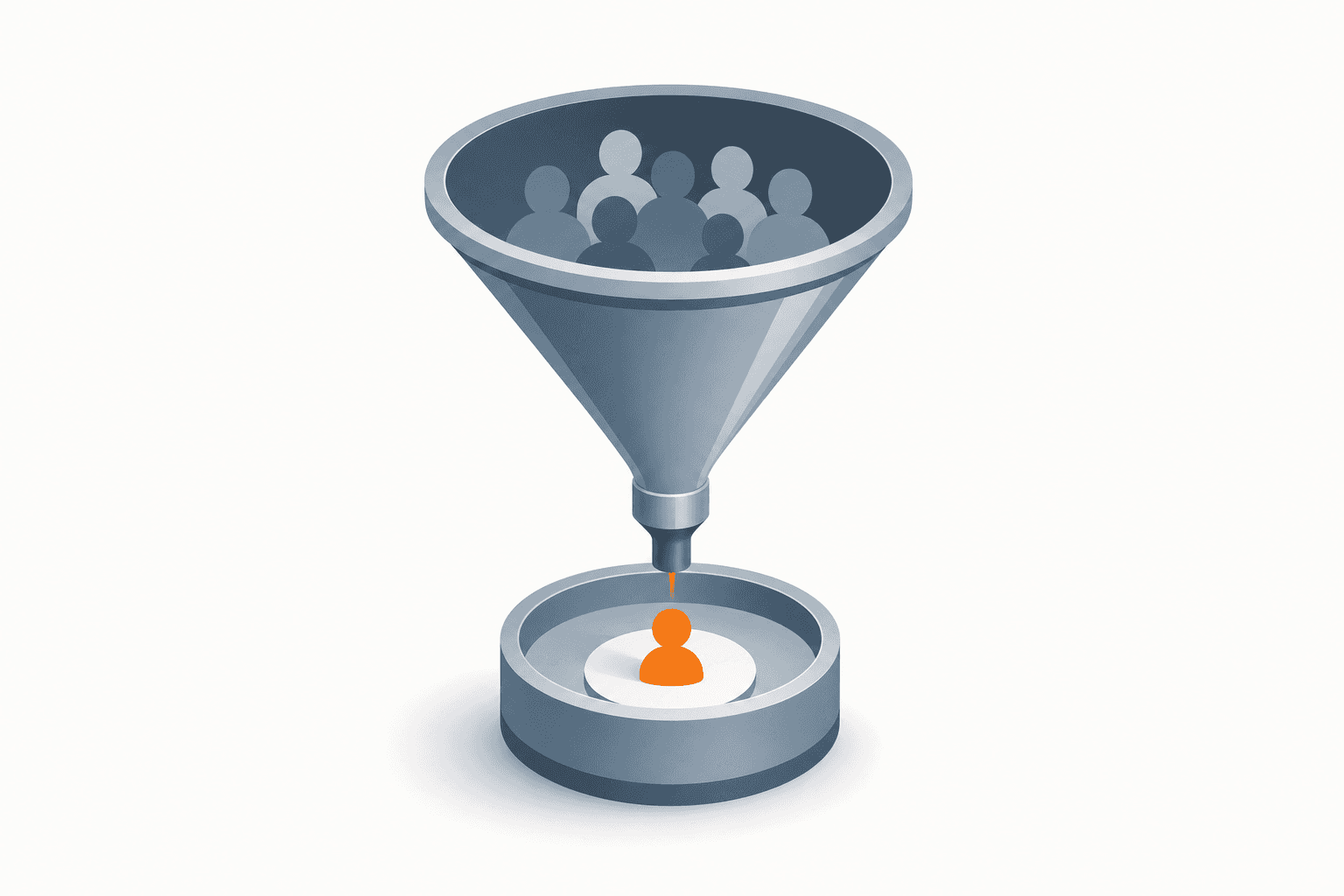
Scraping random Telegram groups gets you community managers, not buyers. Here's the workflow for building a verified list of SaaS decision makers that actually convert.
You parsed a 4,000-member Telegram SaaS community, exported the usernames, and sent 200 cold messages. Three replies. Two were "who is this," and one was a bot. The problem wasn't your message — it's that you messaged community managers, interns, and random lurkers instead of actual decision makers.
Telegram communities are full of SaaS buyers. But the member list of a public group is not a lead list — it's a crowd. You need a process that filters that crowd down to the people who can actually sign a contract.
How many Telegram group members are actually decision makers?
In most SaaS-focused Telegram communities, roughly 5-10% of members hold a title with real buying authority — founder, co-founder, CTO, VP, Head of Growth, or similar. The rest are employees, freelancers, competitors doing research, or people who joined once for a free resource and never left. If you message everyone, you're spending 90%+ of your outreach budget on people who can't say yes.
That ratio changes depending on the community. A tight, invite-only founders' chat might run 40-60% decision makers. A broad "SaaS marketing" group with 10,000 members might run closer to 3%. Knowing this ratio upfront tells you whether raw group parsing is even worth it, or whether you need a more targeted method from the start.
Where do you actually find these communities?
Before you can build a list, you need to know which Telegram groups are worth parsing in the first place. Manually searching Telegram for relevant communities is slow — most SaaS-adjacent groups don't show up in a simple keyword search, and the ones that do are often outdated or inactive.
CRMChat includes a Telegram Group Finder that takes your industry keywords and returns a curated list of matching groups directly to your Telegram inbox, so you skip the manual hunting. This matters because the quality of your decision-maker list is capped by the quality of the communities you start with — parsing a dead group with inactive accounts wastes the whole effort regardless of how good your filtering is afterward.
Search for niche terms, not broad ones. "B2B SaaS founders" returns better groups than "SaaS."
Check activity before parsing. A group with 5,000 members and 2 messages a day isn't worth your time.
Prioritize invite-gated or paid communities. Gatekeeping usually means higher-quality members.
Note the group's stated audience. A group for "indie SaaS builders" skews toward solo founders, which is a different ICP than a group for "enterprise SaaS ops."
How do you parse group members and filter for decision makers?
Once you've identified the right communities, parsing gets you the raw data: usernames, profile names, bios, and activity status. CRMChat lets you parse public groups and extract this data directly, including who's active and who's just a name on a list.
Here's the catch — parsing a group with a private member list only surfaces people who've posted or commented in the last 6 months, typically 20-30% of total members. That's actually useful for your purposes: people who post are more engaged, and engaged members are more likely to include decision makers who care enough to participate in the conversation.
From there, filter the parsed list manually or with a script:
Scan bios for titles. Look for "founder," "co-founder," "CEO," "CTO," "VP," "Head of" in profile descriptions.
Cross-reference usernames with LinkedIn or company sites where the person has mentioned their Telegram handle publicly.
Flag high-activity members first. Someone who posts regularly in a founders' chat is worth more than a silent member.
Discard obvious non-fits. Agencies pitching services in the group, recruiters, and job-seekers rarely convert as buyers.
Export the filtered list to CSV and tag by role for later segmentation in your CRM or outreach sequence.
This is covered in more depth in our guide on how to qualify SaaS founders as decision makers before Telegram outreach — bio-scanning alone isn't enough, since plenty of people inflate their titles or leave bios blank.
What if the group doesn't give you enough verified decision makers?
Group parsing has a ceiling. Even a perfectly filtered list from a great community only gets you people who happened to join and stay active in that specific group. If you need a comprehensive, verified list of decision makers rather than whoever shows up in a chat, you need a different starting point: structured business data instead of community membership.
For teams targeting Russia and CIS markets specifically, CRMChat supports a workflow that pulls companies from a business registry provider like DataNewton, filtered by industry and revenue, then looks up each company's founder and phone number, and converts that phone number into a Telegram username — all orchestrated through an AI assistant connected to both tools via API keys. This gets you a founder's actual Telegram handle, not a guess based on a bio. Our full breakdown is in how to find Telegram contacts of business owners in Russia/CIS, and the same logic applies to SaaS verticals — just swap the industry filter.
Treat Telegram community parsing as your volume play and this registry-based lookup as your precision play. Run them in parallel: parsing surfaces people already engaged in your niche, while the lookup workflow fills in the verified decision makers that communities might miss entirely.
What should you do with the list once you have it?
A list of decision-maker usernames is worthless sitting in a spreadsheet. The entire point is turning it into conversations.
Import the CSV directly into your CRM or outreach sequence tool — CRMChat accepts parsed lists in a format ready for outreach, no manual reformatting needed.
Segment by role before writing a single message. A CTO and a Head of Growth care about different pain points.
Warm up any new outreach accounts before messaging at volume — a fresh account blasting 100 cold DMs gets flagged fast. See Telegram Account Warmup for how this works.
Personalize with the group context. Mentioning the specific community you found them in (if appropriate) massively outperforms generic openers.
Track reply rates by source group. Some communities will convert 3x better than others — double down on those.
If you're building outreach sequences on top of this list, the CRMChat API lets you pipe parsed and verified contacts straight into automated sequences without manual CSV juggling between tools.
Is Telegram community parsing worth it compared to buying a contact list?
If you're in Web3, there's already a shortcut: CRMChat maintains a Web3 decision-makers database with 7,000+ verified contacts pulled from major conferences, organized by role and niche. For general SaaS prospecting outside Web3, there's no equivalent pre-built database — which is exactly why the parsing-plus-lookup combo above is your best bet. It's slower than buying a list, but it's built from people actually active in your specific niche, which beats a generic purchased database on relevance every time.
Check our case studies for examples of teams running this exact two-pronged approach, and the Help Center if you want the full setup walkthrough for group parsing and the contact-lookup bot.


