outreach
You Have 5,000 Phone Numbers and Zero Telegram Usernames

Learn how to convert phone numbers into Telegram usernames for prospecting, what enrichment rates to expect by region, and how to build outreach-ready lists.
You just exported 5,000 leads from Apollo. Every row has a phone number. Not one has a Telegram handle. Calling them is a non-starter — nobody picks up cold calls anymore, especially outside the US. So the list just sits there, expensive and useless.
This happens constantly to teams doing outbound in regions where Telegram is the default messaging app, not an afterthought. You've got the data. You just can't reach anyone with it.
How do you convert a phone number into a Telegram username?
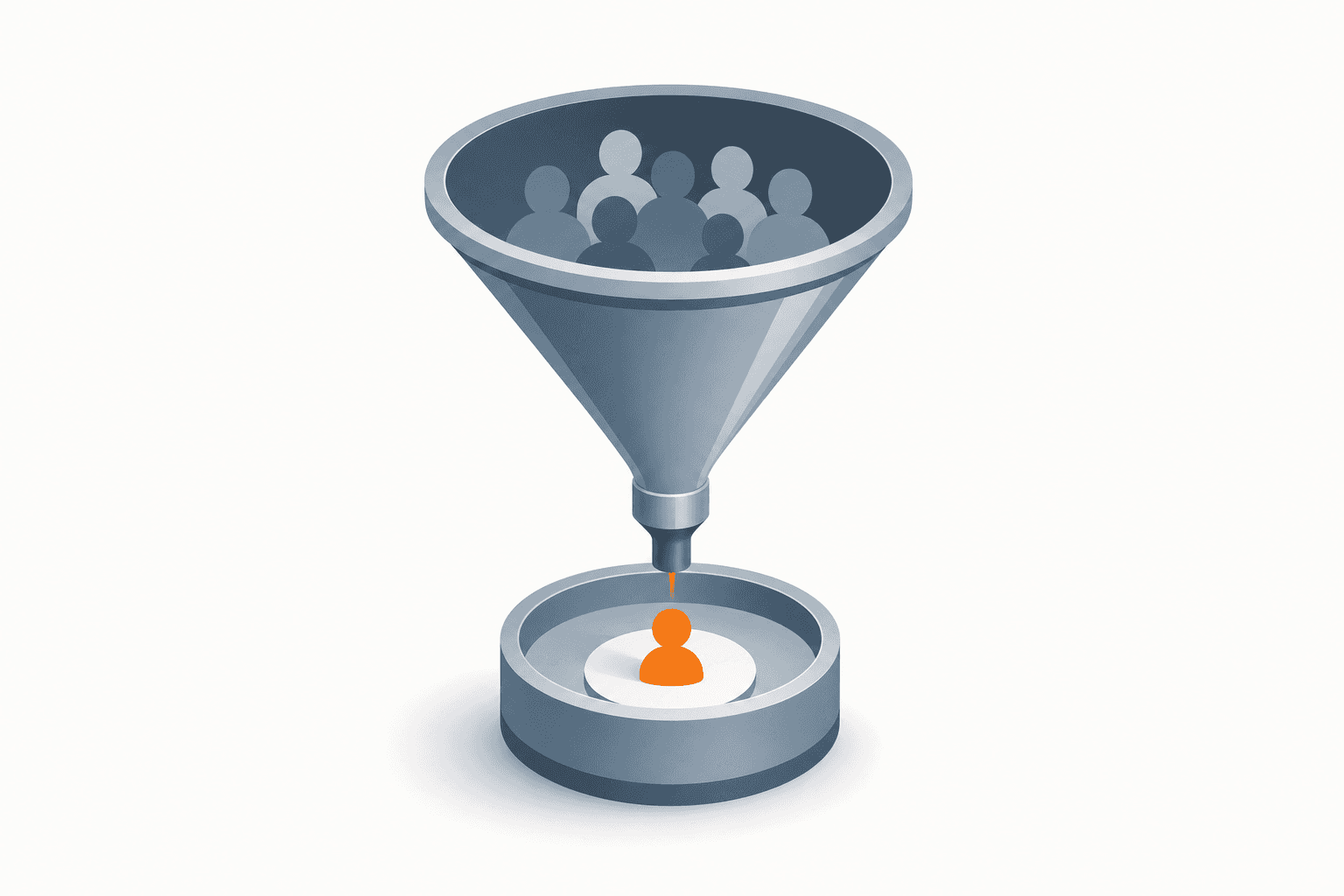
You run the phone number through a phone-to-Telegram lookup tool that checks whether that number is registered on Telegram and, if it is, returns the associated username or profile ID. On average, this works for about 50% of numbers in India, CIS, and MENA regions, and around 30% in the EU, UK, and Americas — because Telegram adoption varies heavily by geography.
That enrichment rate matters because it tells you what to expect before you spend hours uploading a list. A 5,000-number list from Mumbai or Dubai will likely hand you back 2,000-2,500 usable Telegram contacts. The same list from London or Chicago will give you closer to 1,500. Neither is "bad" — it's just the reality of where Telegram is a primary channel versus a secondary one.
Why bother converting numbers instead of just calling or emailing?
Because in a lot of markets, phone numbers are dead weight without a messaging layer attached. Cold calls get ignored or blocked. Cold email increasingly lands in spam or gets a 1-2% reply rate. Telegram DMs, when done right, get opened and answered because that's where the person actually spends their day.
Teams that swap cold email cadences for direct Telegram messages routinely see reply rates jump from single digits into the 30-40% range. But none of that works if you're sitting on a spreadsheet of phone numbers and no way to message anyone on the platform.
What's the actual workflow for converting a list at scale?
CRMChat includes a Phone Number to Telegram Username Converter that takes phone numbers sourced from tools like Apollo or Clay and matches them against Telegram, returning usernames you can drop straight into an outreach sequence. It's built specifically for the case where you have a number but no interest in — or ability to — cold call.
Export your list from wherever it lives (Apollo, Clay, a CRM export, a scraped dataset) with phone numbers in a clean, consistent format.
Run the numbers through the converter to check which ones are registered on Telegram and pull back the matching username.
Filter out the non-matches — don't waste time trying to guess handles manually for numbers that didn't resolve.
Segment the converted contacts by region, industry, or job title before you start messaging, since a blanket sequence performs worse than a targeted one.
Load the usernames into an outreach sequence inside CRMChat so follow-ups and replies get tracked instead of lost in your personal Telegram app.
Is phone-to-username conversion the best way to find decision-makers?
It's a solid method when you already have a phone list. But if you're specifically hunting for business owners and founders — particularly in Russia and the CIS, where there's no single professional network like LinkedIn — there's a more targeted approach worth running first.
That workflow pulls companies from a business registry provider like DataNewton, filtered by industry code and revenue, finds each company's founder and phone number through CRMChat's contact-lookup tools, then converts those numbers into Telegram usernames automatically. An AI assistant — Claude or ChatGPT — orchestrates the whole thing by connecting to both DataNewton and CRMChat via API keys and running the lookup sequence end to end.
Get API access to a registry provider like DataNewton to filter companies by industry (OKVED code) and revenue.
Connect your AI assistant to DataNewton using that API key so it can query companies for you.
Connect the same assistant to CRMChat using your API key from Settings → API Keys.
Instruct the AI to find the founder or decision-maker for each company through CRMChat's contact-lookup bot.
Retrieve the founder's phone number and let the assistant convert it into a Telegram username automatically.
Export the final list as a CSV, ready to load into an outreach sequence.
This targets verified decision-makers directly instead of hoping a generic phone list happens to include the right people. Group parsing and phone-to-username conversion are great for building volume — this workflow is better when you need precision.
What should you do with usernames once you have them?
A converted username is just a starting point. If you dump 2,000 new Telegram handles into your personal account and blast the same message at all of them, you'll get reported and possibly banned within days. Telegram sales accounts get flagged fast when outreach looks automated or repetitive, so pace yourself and warm up new accounts before running volume.
CRMChat automates account warmup and lets you route converted contacts straight into segmented, tracked outreach sequences so replies don't get lost across a dozen personal chats. That combination — clean enrichment plus disciplined sending — is what actually turns a phone list into a pipeline instead of a liability.
If your leads are currently scattered across Telegram folders or personal DMs instead of a real pipeline, syncing everything into one CRM view is the next step after conversion. Check the CRMChat Help Center for setup details, or the CRMChat API docs if you want to run this conversion programmatically as part of a larger enrichment pipeline.
What enrichment rate should you actually expect?
Plan around 50% for India, CIS, and MENA, and 30% for EU, UK, and Americas. If your results are far below that on a clean, recently-exported list, check the number formatting first — inconsistent country codes are the most common reason a batch underperforms.