crm
Your Chatter Just Messaged a Whale From the Wrong Model Account
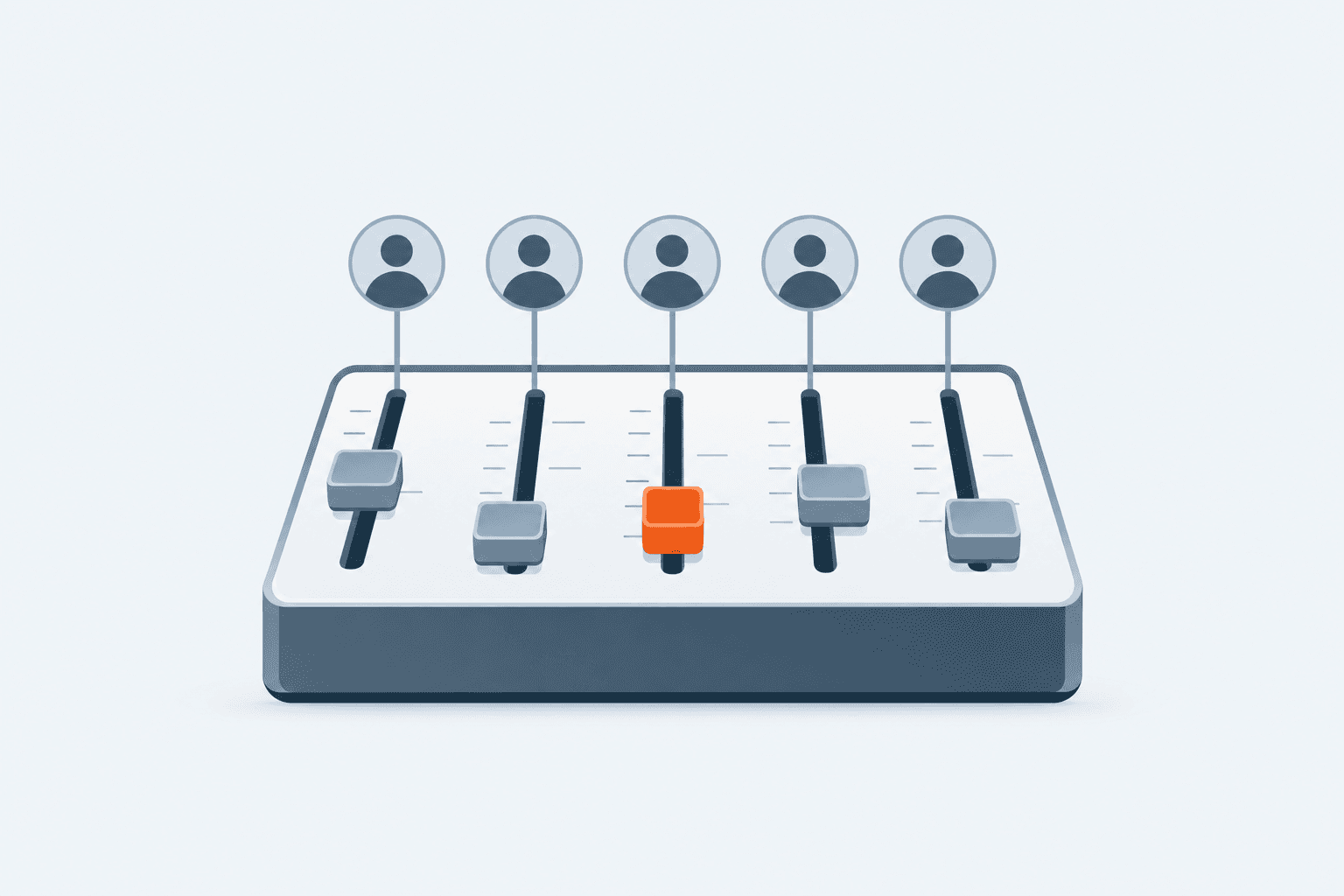
A chatter mixed up two model accounts mid-conversation and lost a top spender. Here's how agencies manage multiple chatters across model accounts without the chaos.
Your top chatter just replied to a $500-a-month fan using the wrong model's account. The fan noticed immediately. He stopped buying. That's not a one-off mistake — it's what happens by default once an agency runs more than two or three model accounts with a shared team of chatters.
This is the operational cost nobody warns you about when you move fan sales off OnlyFans and onto Telegram.
How many model accounts can one chatter team manage before things break?
Most agencies start hitting coordination problems around 5-8 model accounts per team of chatters, and things get genuinely chaotic past 15-20 accounts if everything is run from raw Telegram with no shared system. The breaking point isn't the number of accounts itself — it's the number of accounts multiplied by the number of chatters, since every added person increases the odds someone replies from the wrong login or misses a message entirely.
The reason agencies end up here in the first place is margin. Platforms take a cut, and OnlyFans takes 20% of every dollar a creator earns. Move the top-spending fans to Telegram and bill them directly via Stripe, PayPal, or crypto, and that 20% drops to roughly a 3% payment processor fee. On a $1,000 sale, that's the difference between keeping $800 and keeping $970. At agency scale, across dozens of models, that delta is the entire business case for going off-platform.
But solving the margin problem creates a new one: coordinating a growing roster of model accounts, each with its own fans, handled by a rotating team of chatters — without anyone crossing wires.
What actually goes wrong when chatters juggle multiple model accounts
The failure modes repeat across almost every agency we've seen scale past a handful of accounts:
Wrong-account replies. A chatter has three model logins open in different tabs and answers from the wrong one — instantly breaking the illusion for the fan.
Slow handoffs. A fan messages while their usual chatter is offline, and nobody else knows the conversation history, so the reply either doesn't come or comes cold.
Missed messages. With no centralized notification system, chatters rely on checking each phone or Telegram app manually — and messages sit unread for hours.
Compromised model accounts. Giving every chatter full admin access to a model's Telegram account means one bad actor or one mistake can put the whole account at risk.
No visibility for owners. Agency owners can't see response times, revenue per chatter, or which model accounts are underperforming without manually checking each thread.
None of these are edge cases. They're the default state of running fan sales across multiple raw Telegram accounts with a team.
How do you manage multiple chatters across model accounts without the chaos?
The fix is putting every model account and every chatter into one coordinated workspace instead of a pile of separate Telegram logins. CRMChat is a Telegram-native CRM built specifically for content creator agencies — connect every model account to one dashboard, invite your chatters into the workspace, and manage every fan conversation from a single screen instead of switching between apps and phones.
Here's what that actually looks like in practice:
Connect all model accounts to the CRMChat workspace so every conversation lives in one place instead of scattered across individual Telegram apps.
Invite chatters and assign them to specific accounts or fans — no more guessing who's supposed to be handling which conversation.
Rely on smart account switching so the system automatically picks the account a chatter used with that customer before, preventing the wrong-account mix-up entirely.
Add chatters as a restricted role instead of full admins, so they can handle conversations without being able to change account settings or compromise the model's Telegram.
Turn on direct notifications so the responsible chatter gets pinged in their own Telegram the moment a fan messages — no more checking five apps to see who replied.
Scale chatters without limits as the roster grows, since the workspace is built to support an unlimited number of chatters across an unlimited number of connected accounts.
Why does smart account switching matter more than it sounds?
Smart account switching is the single feature that eliminates the most common — and most damaging — chatter mistake. CRMChat automatically selects the account that was previously used with a given customer, so a chatter never accidentally messages a fan from the wrong model's profile. For an agency running 20+ model accounts across a team of chatters, that one guardrail prevents the exact mistake that costs whales and breaks trust.
This matters for the same reason it matters in any multi-account Telegram operation — the more people touch the same set of accounts, the more a system needs to enforce the right ownership automatically, instead of relying on humans to remember it.
How do you keep chatters from putting model accounts at risk?
Give chatters a restricted-permission role instead of full account access — that's the baseline rule for any agency running more than one or two chatters per model. CRMChat's separate chatter role limits what a chatter can do inside the account: they can handle conversations and sell, but they can't take actions that risk the account's safety or expose client data. Admins retain full control over settings, while chatters only get what they need to do the job.
This separation matters even more once you're running dozens of accounts, since a single compromised login or a careless chatter shouldn't be able to jeopardize a model's entire fan base. If you're also thinking about account safety more broadly — bans, restrictions, warmup — CRMChat's Telegram account warmup tools are worth pairing with role restrictions, since a flagged or banned account creates the exact same chaos as a mismanaged one.
What should agencies track once chatters are managing multiple accounts?
Once the workspace is set up, the ongoing job is watching performance, not just preventing mistakes. Track these on a recurring basis:
Response time per chatter — speed is directly tied to revenue, since fans buy when a chatter replies fast.
Conversations per model account — spot which accounts are getting neglected or overloaded.
Handoff gaps — check for stretches where a fan messaged and nobody in the workspace picked it up.
Chatter permission levels — periodically confirm chatters still only have restricted, non-admin access.
Revenue per chatter and per account — identify which pairings are actually converting, not just chatting.
For teams that also want the sales conversation to keep moving when the team is offline, CRMChat supports connecting AI agents to a creator's Telegram account so questions get answered around the clock using a knowledge base you control. That's on top of the built-in PPV sales bot, which handles pay-per-view content sales directly on Telegram with no chargebacks and crypto withdrawal support.
Agencies already running this way report a 10x increase in response time after moving fan conversations into a coordinated Telegram inbox, with 300+ creator accounts connected across the platform. Check the CRMChat case studies for more detail on how that plays out at scale, and the Help Center if you're setting up your first multi-account workspace.


