crm
One Dashboard, Every Model Account: How Agencies Run Telegram at Scale
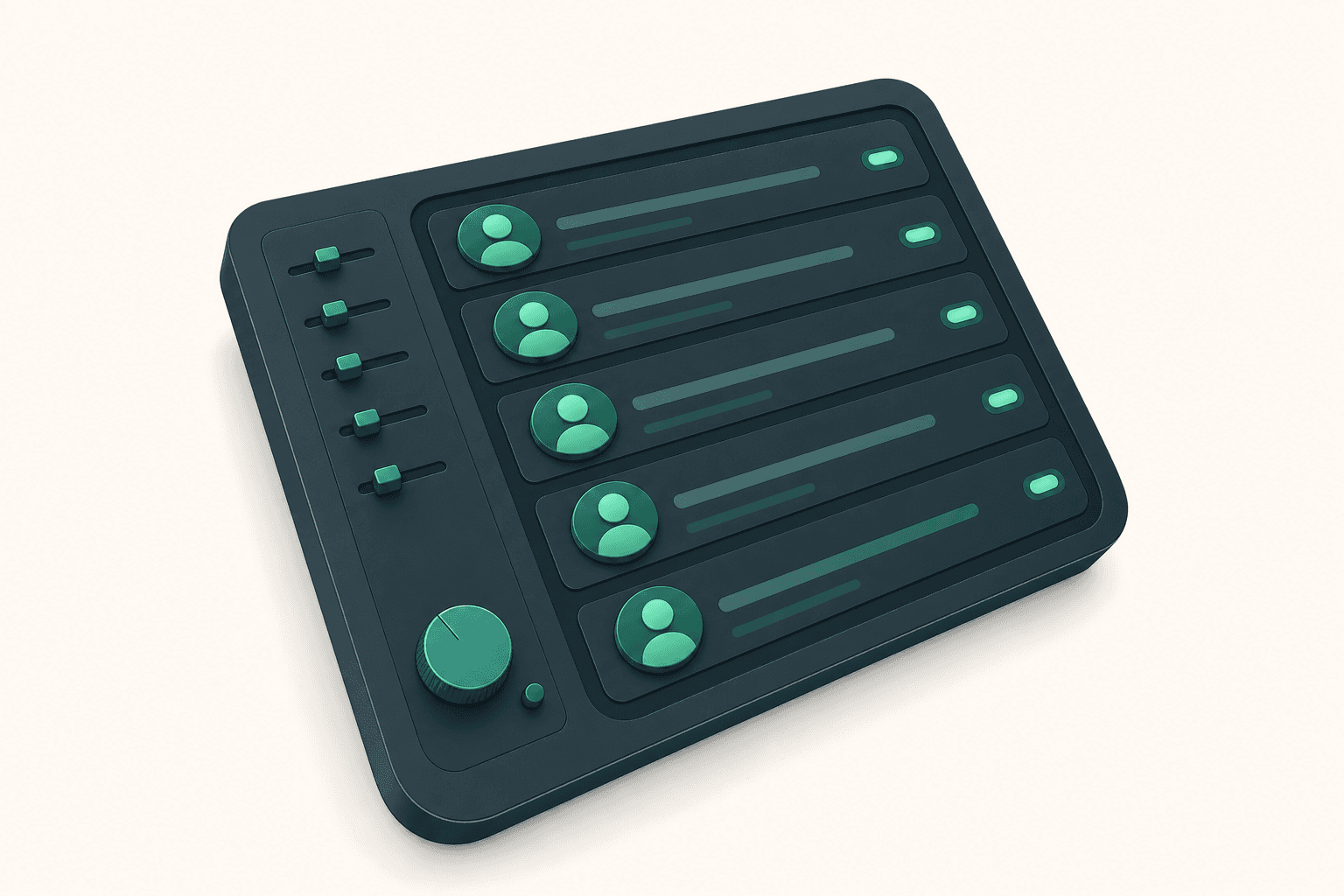
Running multiple model Telegram accounts from one dashboard cuts chaos and protects revenue. Here's how creator agencies coordinate chatters, fans, and PPV sales without mix-ups.
A chatter just messaged a fan from the wrong model account. The fan is confused, the model is furious, and you're now doing damage control at midnight. If you're running more than two or three accounts on raw Telegram, this is just Tuesday.
Managing multiple model Telegram accounts from a single dashboard isn't a nice-to-have — it's the difference between an agency that scales and one that drowns in tab-switching, missed replies, and account mix-ups.
How Many Accounts Can You Actually Manage From One Telegram Dashboard?
There's no hard ceiling imposed by Telegram itself, but in practice, agencies successfully coordinate between 10 and 300+ model accounts from a single workspace. CRMChat currently has 300+ creator accounts connected across active agency workspaces, with over 100,000 CRM leads created — a scale that raw Telegram simply cannot support without tooling built around it.
The practical limit isn't the platform — it's your chatter team and your account management system. With the right setup, one chatter can handle conversations across many accounts simultaneously, because the routing logic does the heavy lifting.
Why Raw Telegram Falls Apart at Three Accounts
Once you're past two or three model accounts, a few things break down fast:
Wrong-account messages. A chatter logs into the wrong session and replies to a fan as a completely different creator. Fans notice. It destroys trust.
Missed messages. Each account lives in its own Telegram app or session. Notifications compete, get buried, or get missed entirely. Fans who don't get a reply in the first few minutes often don't buy.
No audit trail. You have no clear record of which chatter said what, on which account, to which fan. When something goes wrong, you're guessing.
Security exposure. Sharing login credentials or session files with chatters means you've lost control of the account the moment that chatter leaves.
These aren't edge cases. They're the default experience of any agency trying to scale on Telegram without infrastructure. See how agencies structure the move off OnlyFans in our guide to switching fan DMs from OnlyFans to Telegram.
What a Single-Dashboard Setup Actually Looks Like
A proper multi-account Telegram dashboard consolidates everything into one unified inbox. Here's what that means in practice:
Connect all model accounts to the workspace. Each account keeps its own identity, session, and fan history — they're just accessible from one place.
Set up the chatter role for each team member. Chatters can only see and reply to conversations — they can't access account settings, export contacts, or take actions that could compromise the account. Admins keep full control.
Enable smart account switching. When a chatter opens a conversation, the system automatically routes the reply from whichever model account was used with that fan previously. No manual selection, no mix-ups.
Configure direct notifications. Each chatter gets pinged in their own Telegram the moment a fan messages one of the accounts they're assigned to. First reply wins the sale.
Assign accounts or conversations to specific chatters based on expertise, time zone, or workload. One chatter might own three model accounts; another might own ten.
This structure means the chatter never has to think about which account to use or who's responsible for which fan. The system handles routing; the chatter handles conversation.
Smart Account Switching: The Feature That Prevents the Most Expensive Mistakes
Of all the multi-account features, smart account switching is the one that pays for itself fastest. Here's why it matters so much.
Fans build parasocial relationships with specific creators. If a fan has been talking to "Sophia" for three months and suddenly gets a reply from "Mia" — because a chatter grabbed the wrong session — that's not just embarrassing. It's a refund request waiting to happen, a chargeback risk, and a fan who will never buy PPV again.
CRMChat automatically selects the account that was used with each specific fan earlier, so every reply comes from the right creator every time — regardless of which chatter is handling the conversation at that moment.
This matters even more when you have shift changes. The morning chatter hands off to the afternoon chatter. Without smart routing, the afternoon chatter has to check conversation history manually to know which account to use. With it, they just reply.
Chatter Permissions: Security Without Slowing Anyone Down
Giving chatters access to model accounts is a real security risk if you do it wrong. The most common mistake is sharing session files or login credentials directly — which means a chatter can export your fan list, change account settings, or lock you out entirely.
CRMChat is a Telegram-native CRM that includes a dedicated chatter role with restricted permissions, letting you give team members exactly the access they need for conversations — and nothing more.
Chatters can read and reply to messages. They cannot access account configuration, pull contact lists, or perform actions outside the conversation window. Admins retain full control of every account in the workspace.
For a detailed breakdown of how to structure these permissions, see how to lock down model accounts without slowing down sales.
AI Agents: Coverage When Your Team Is Offline
Fans don't message on a schedule. A high-value fan might reach out at 3am in a time zone your chatters aren't covering. Without a response, that conversation goes cold.
CRMChat lets you connect AI agents to creator Telegram accounts that respond to fan messages using a knowledge base you define — handling common questions, keeping conversations warm, and flagging high-intent messages for a human chatter to follow up on.
The AI doesn't replace your chatters. It covers the gaps so that no fan ever waits eight hours for a first response.
PPV Sales Directly Inside the Same Dashboard
The whole point of moving fans to Telegram is keeping more of the revenue. OnlyFans takes 20% of every transaction; a direct Telegram sale via a payment processor costs roughly 3%. On a $1,000 PPV sale, that's $170 you keep instead of the platform.
CRMChat includes a built-in Telegram PPV sales bot that handles payments with zero chargebacks and lets creators withdraw directly to a crypto wallet — all without leaving the same workspace where your chatters are managing conversations.
You're not switching between a chat tool and a payment tool. It's one workflow. Learn more about how the payment side works in our guide to crypto payouts for Telegram PPV sales.
Scaling the Chatter Team Without Losing Control
The coordination problem gets harder as you add chatters, not just accounts. Here's what breaks when you scale a chatter team without structure:
Two chatters reply to the same fan simultaneously — the fan gets duplicate messages and the illusion of a conversation breaks.
A chatter goes offline and nobody picks up their conversations. High-value fans go cold.
You have no visibility into which chatter is performing — who's driving PPV sales, who's leaving conversations unanswered, who's handling the most volume.
A single-dashboard setup solves all three. Conversations are assigned. Notifications are routed. Admins can see what's happening across every account and every chatter in real time.
For the full coordination playbook as your team grows, see scaling a chatter team across multiple creator accounts.
Is This Setup Right for Your Agency?
If you're running fewer than three model accounts and handling fan conversations yourself, raw Telegram is probably fine for now. But the moment you add a second chatter or a fourth account, the coordination overhead starts eating into your revenue.
The agencies that benefit most from a unified dashboard are:
Agencies managing 5 or more model accounts with active fan conversations.
Teams with 2 or more chatters who need to coordinate without stepping on each other.
Operations that run across time zones, where shift handoffs happen daily.
Any agency where PPV revenue depends on reply speed — which is all of them.
If that's you, CRMChat is built specifically for this workflow. Setup details and configuration options are covered in the Help Center, and you can see real agency results on the Case Studies page.


